Module 3 Formstorming

Weekly Activity Template by Olivia Ho


Project 3


Module 3: TOUCH

Design for Living Systems

Activity 1

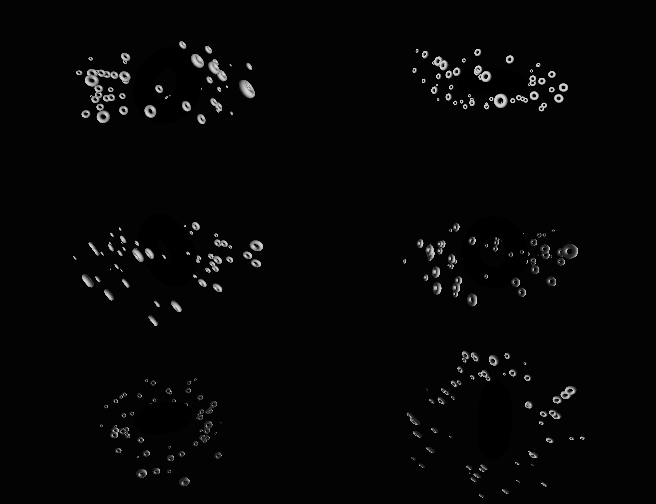
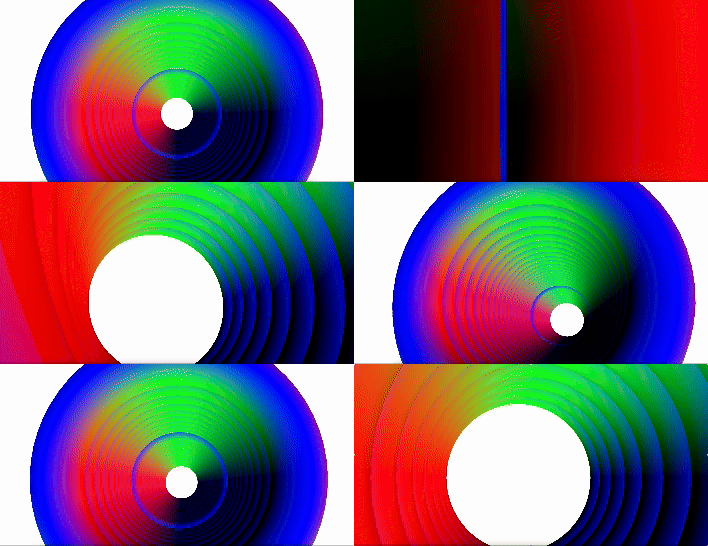
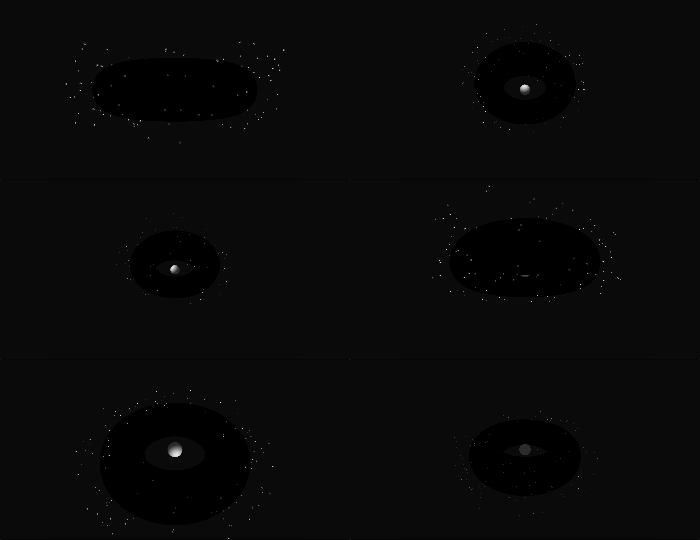
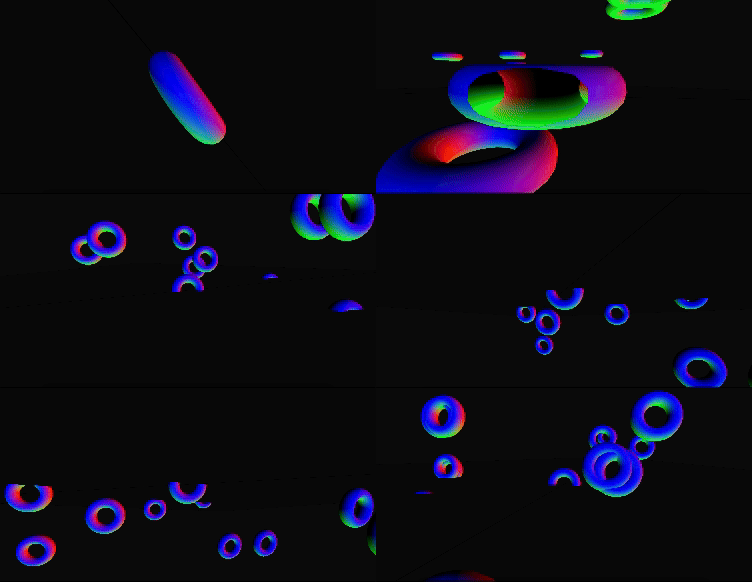
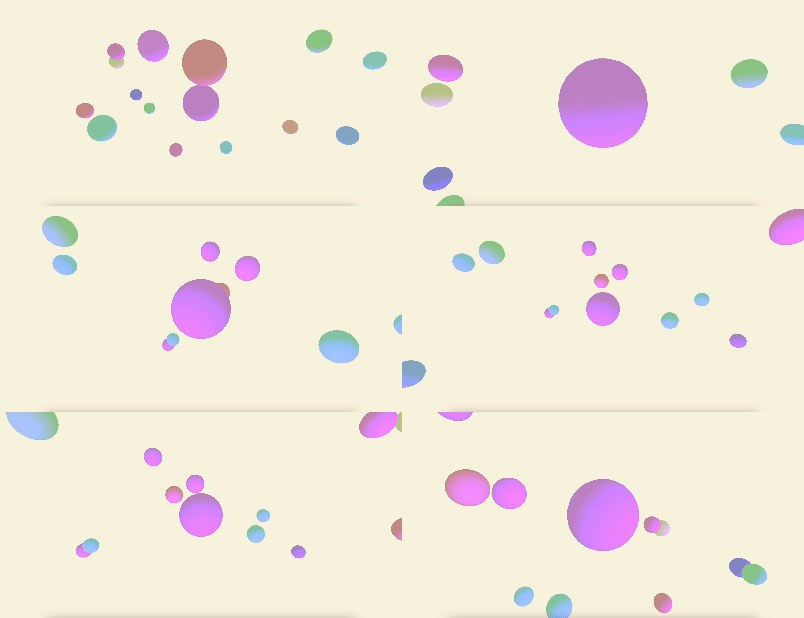
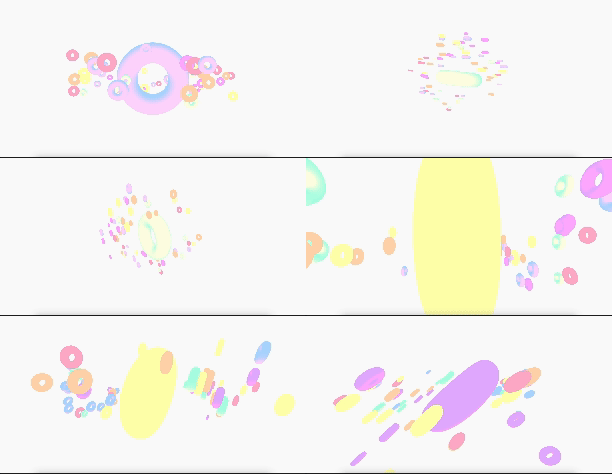
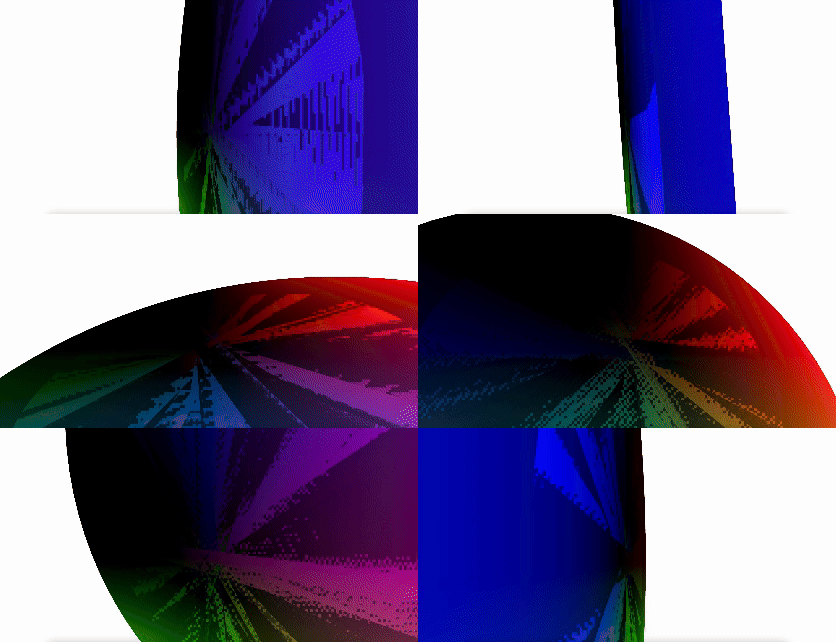
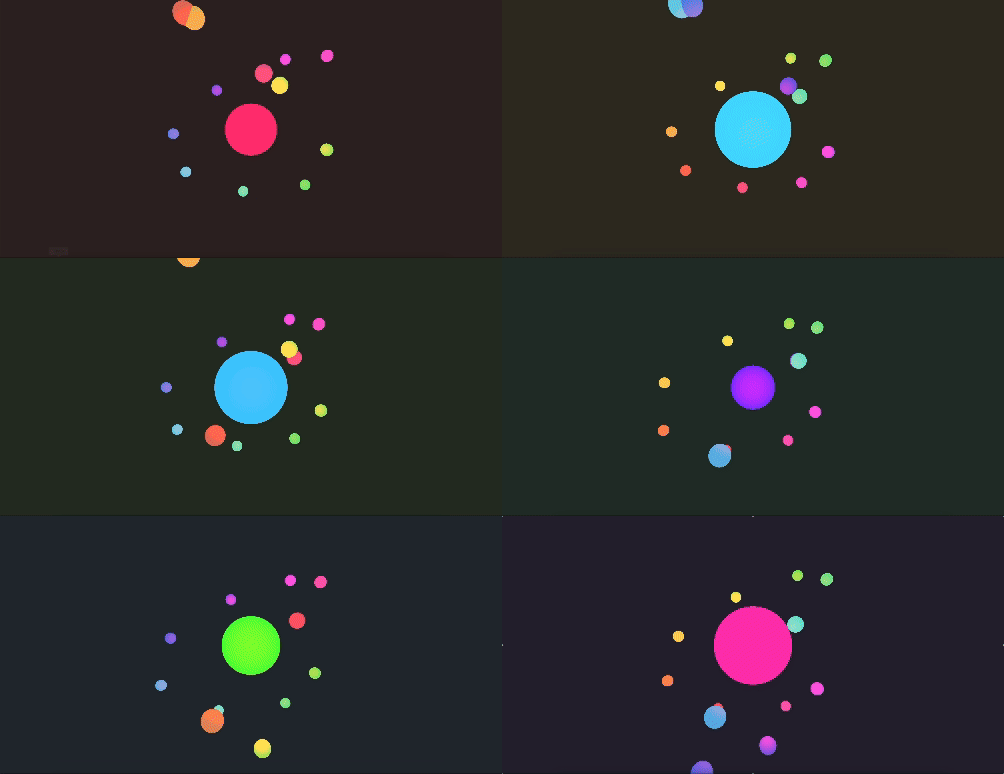
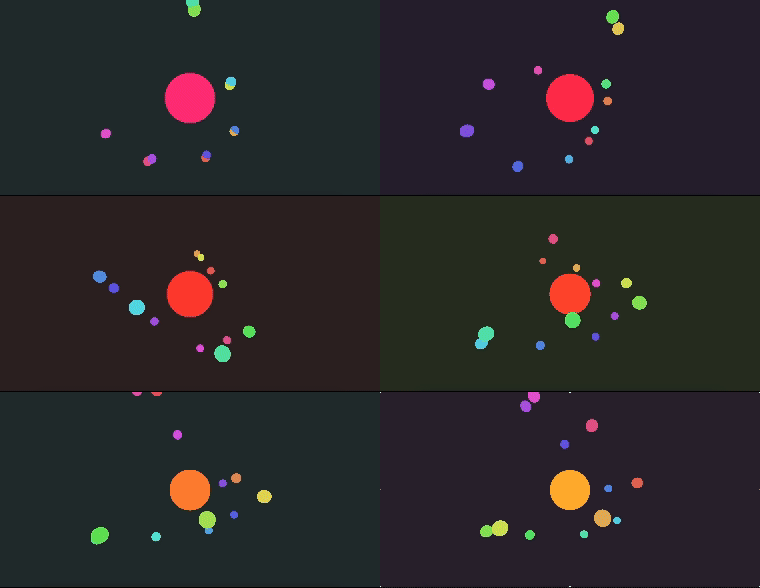
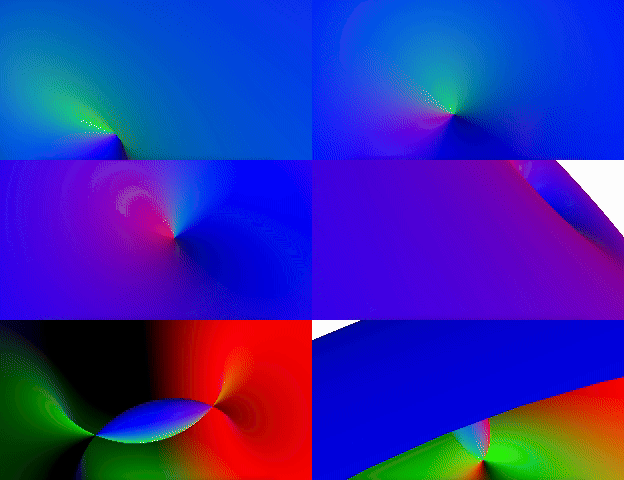
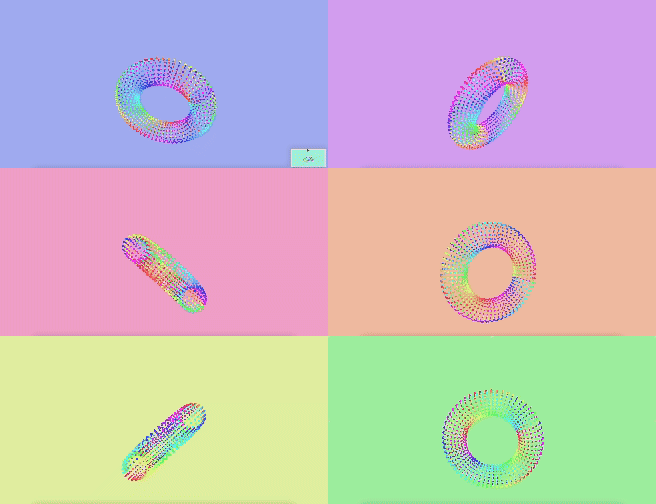
Changing the square colour by interacting with Makey Makey. Changing the view of the objects and the direction it is moving in. Changing perspective of cylinder. Zooming in object. Moving direction of view. Moving direction of the camera. Growing ripples, the more you interact with the Makey Makey Ripples and sound based off of where you interact on the Makey Makey. Moving direction of the camera. Ripples and sound based off of where you interact on the Makey Makey. Changing background colour and heart size Emulating a night of stars playing twinkle twinkle little stars Changing view of camera Ripple effect based on interactions Up, down, left, right, treating Makey makey like a game console Up, down, left, right, treating Makey makey like a game console Up, down, left, right, treating Makey makey like a game console Any interactions connect to the largest circle in the middle Using the trackpad, draw out shapes Any interactions connect to the largest circle in the middle Changing view of camera Changing the direction in which the shape is moving in Using Processing Using Processing Using Processing

Activity 2
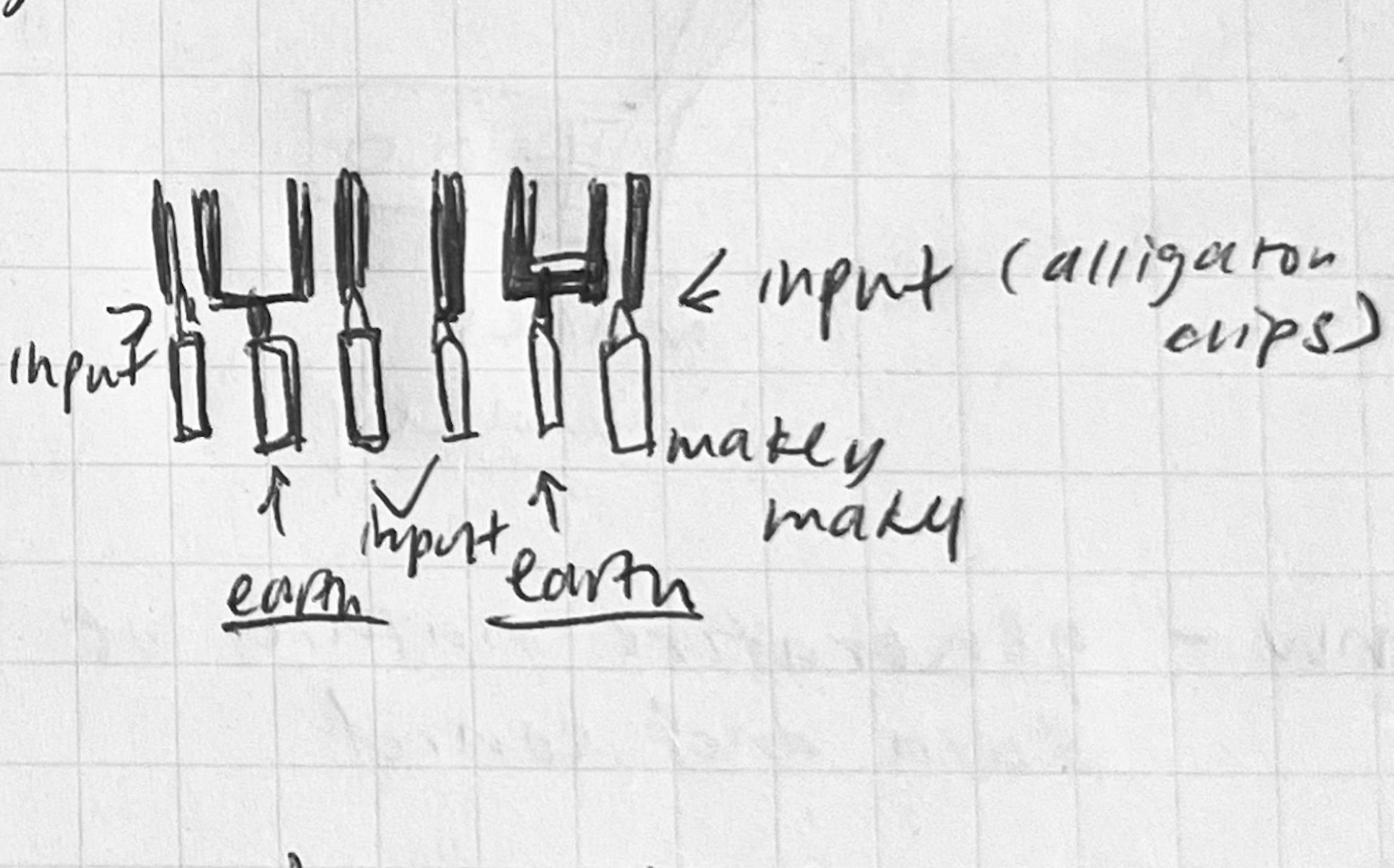
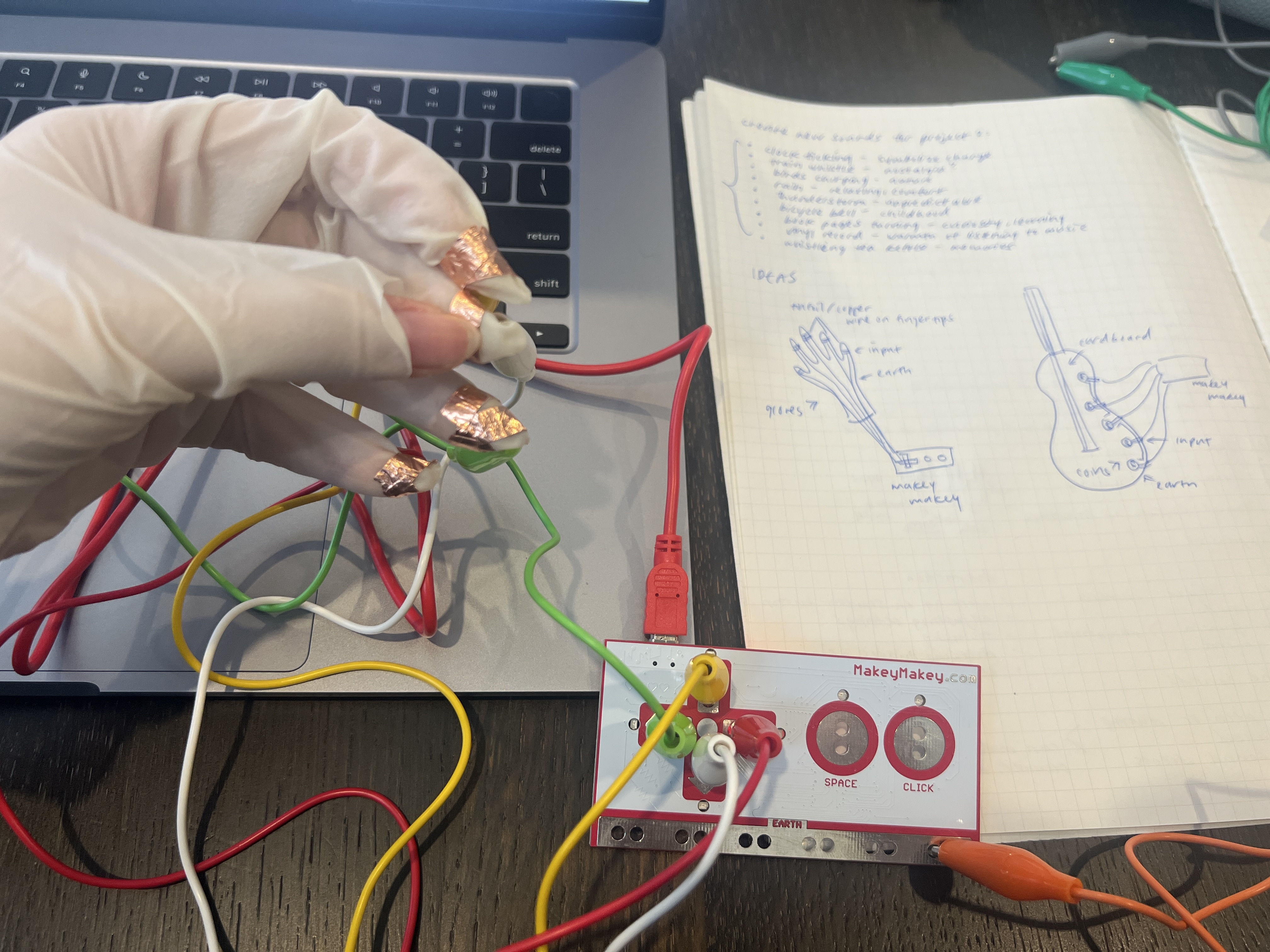
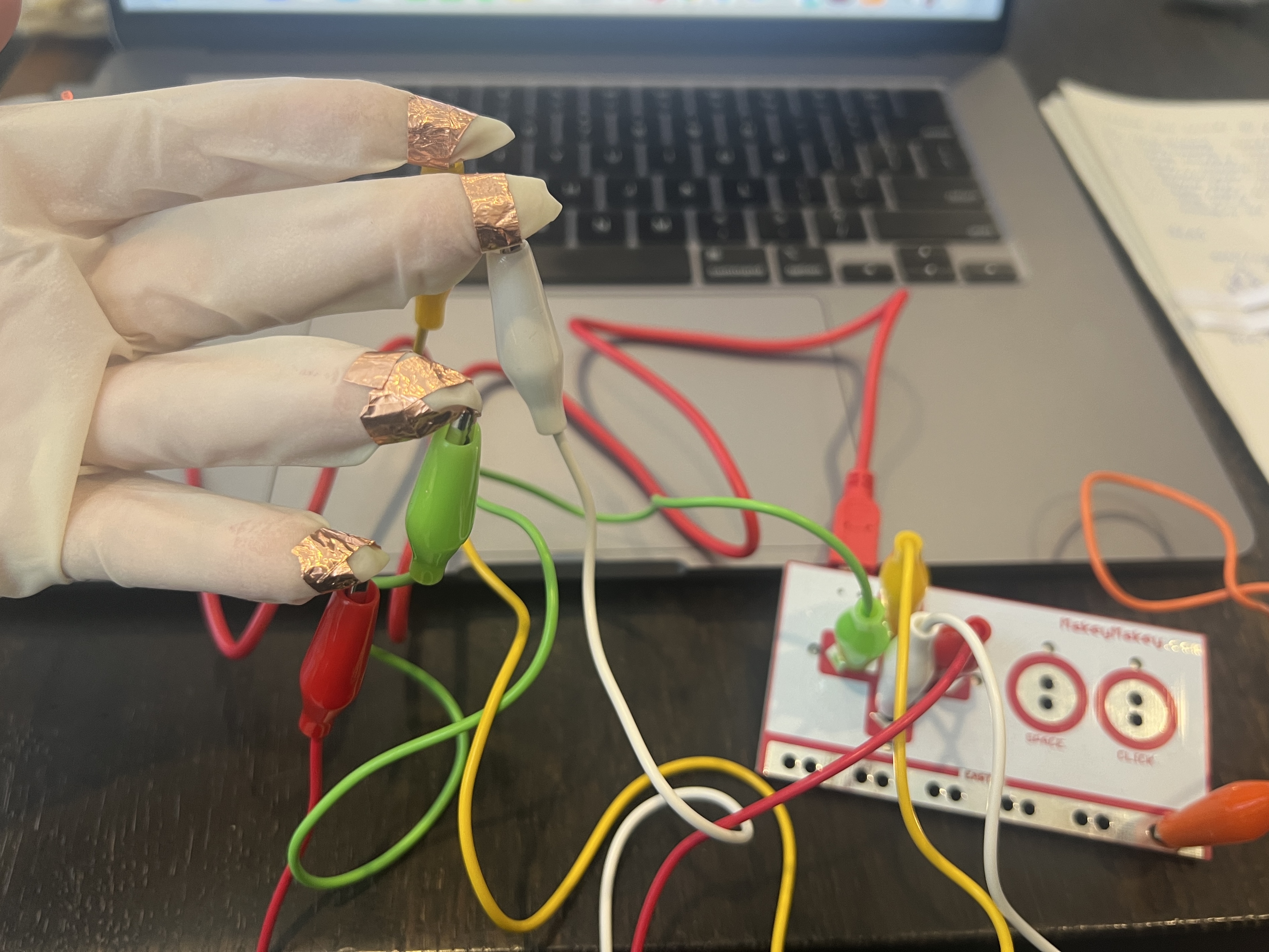
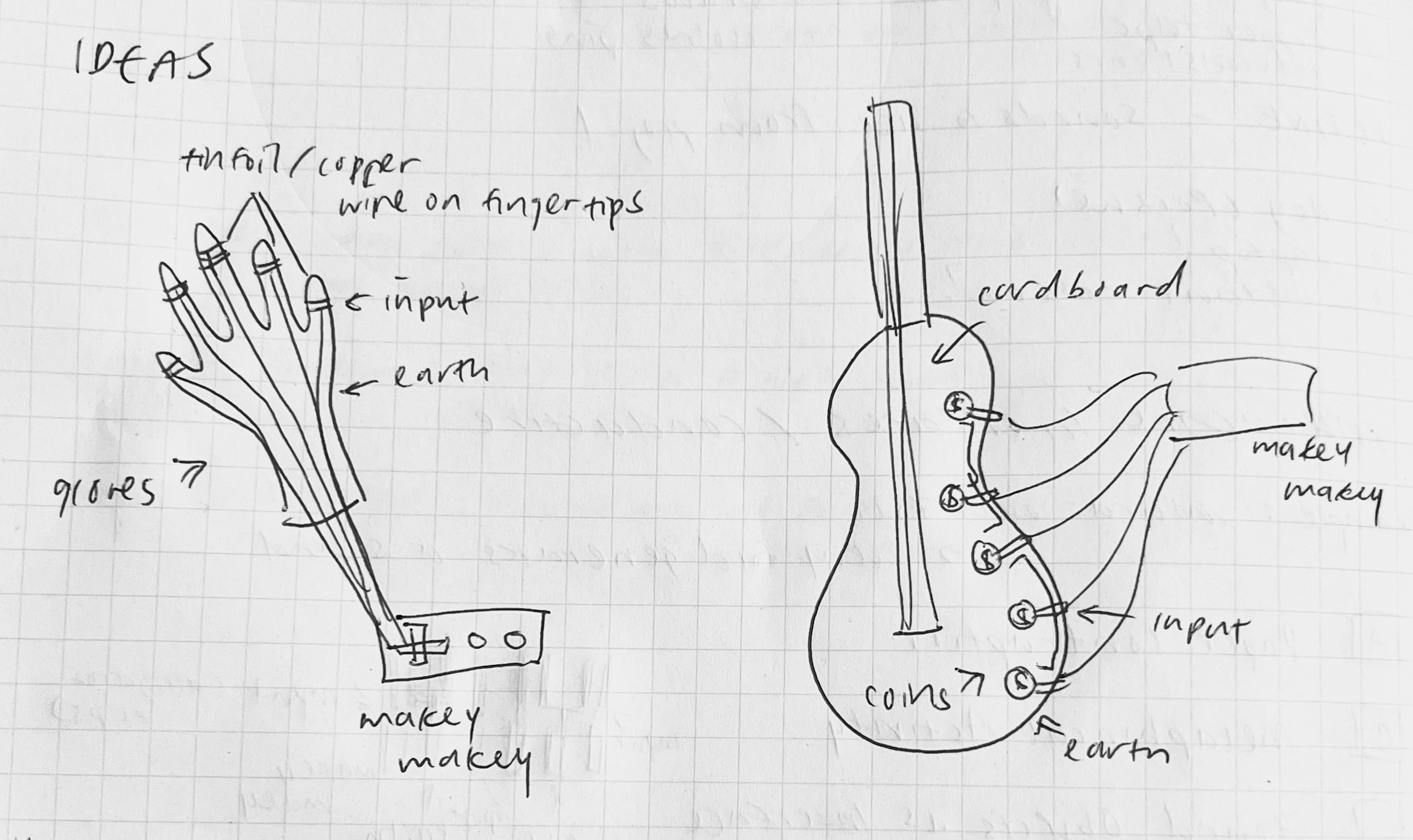
Glove inspired by Mi.Mu Glove inspired by Mi.Mu Glove inspired by Mi.Mu Rough keyboard sketch

Project 3


Final Project 3 Design

For my final design I attempted to bridge a connection between Arduino, Processing, and Touch Designer.
An extension to my Project 2, the project visualizes sound for people with synesthesia.

×

Powered by w3.css